dhernandez000
Members
-
Joined
-
Last visited
-
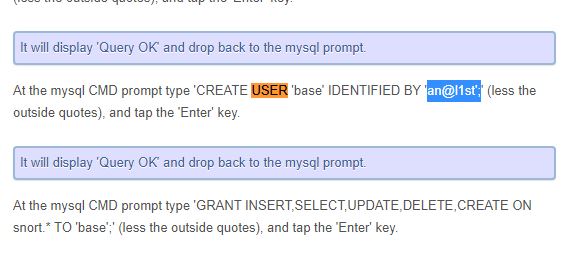
dhernandez000 replied to dhernandez000's topic in Discussing Manual Installation for Apache2 with MySQL LoggingNo. above doesn't work. (file doesn't exist) Also I copied paste commands from tutorial I wondered if I screwed up user creation and passwords. I definitely left apostrophes around 'base' and 'snort' and . with how i copied paste.
-
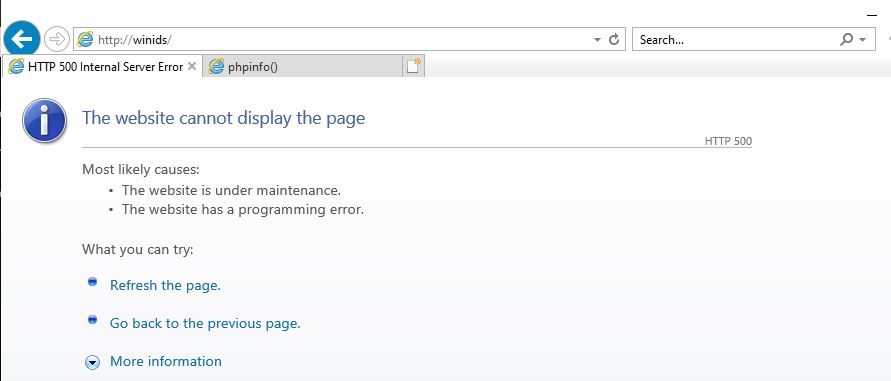
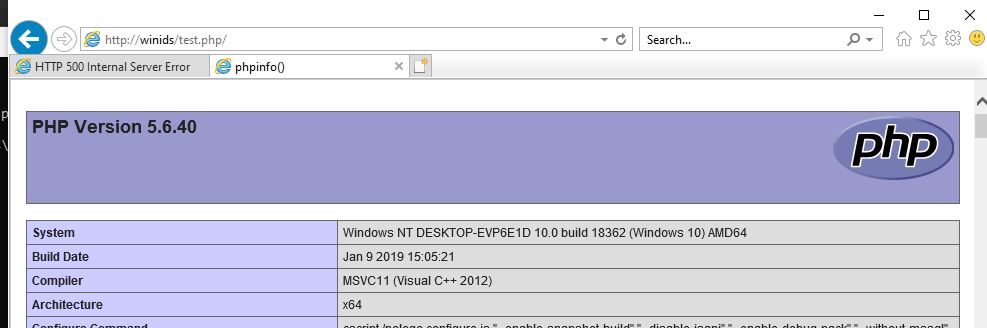
dhernandez000 replied to dhernandez000's topic in Discussing Manual Installation for Apache2 with MySQL Loggingusing the above httpd.conf file in d:/winids/apache/conf test.php works after moving to base per suggestion http://winids/ prompt 500 error (could it be a permissions issue) I combed through php.ini and httpd.conf for differences Not sure were to look next Thanks
-
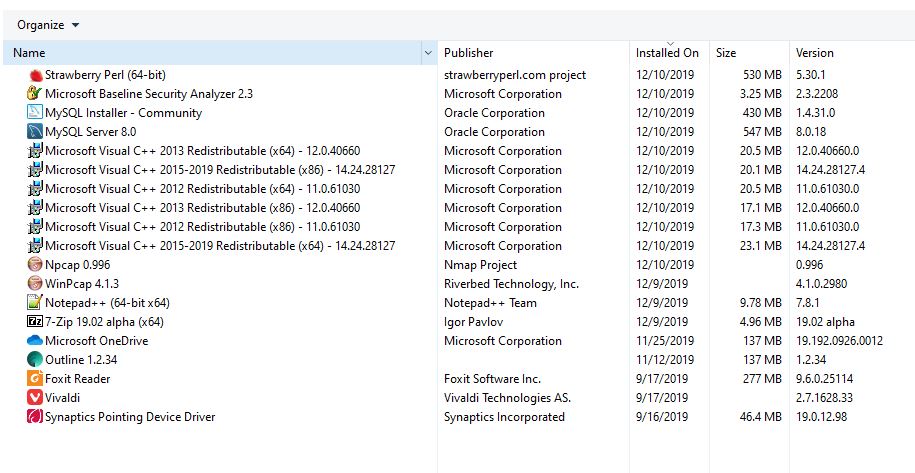
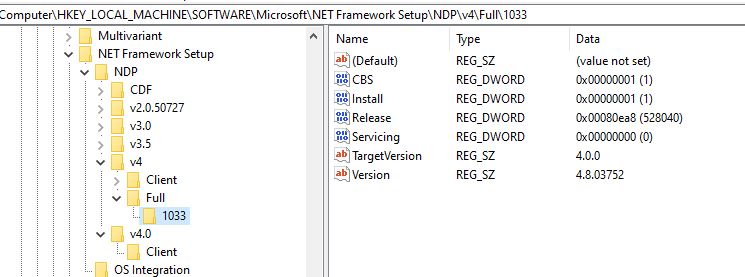
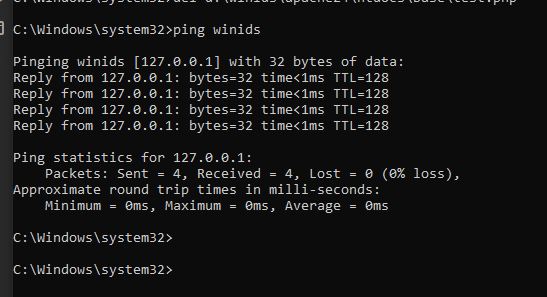
Thanks in advance referenced 500 Internal Server Error when trying to open ''test.php'' with no luck OS: Win 10 (Not Activated) Intel core Duo 4Gb RAM Using WinIDS Apache 2 with MySQL tutorial Used MBSA before winIDS process and after did not notice a change in report Per registry net frame work is up to date I was able to see the test.php page and all other test completed per tutorial Barnyard2 shows a flow of packets Attaching php.ini and httpd.conf This is the first time installing all these tools any help is appreciated. By the way these tutorials are awesome. php.ini httpd.conf